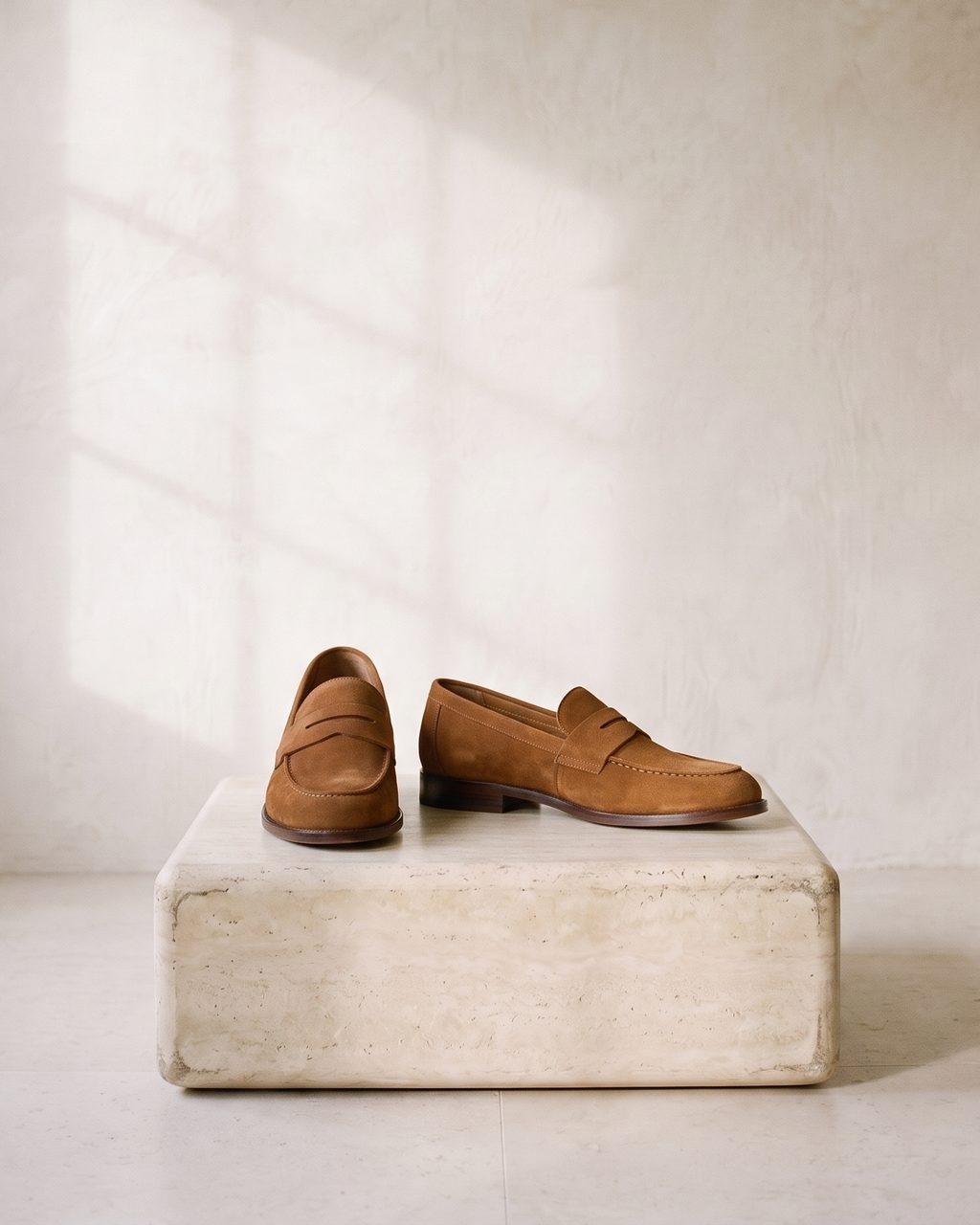
the product page
On the store in one press
Approve a frame and it publishes to its product on Shopify or WooCommerce: after the existing images, first, or as the featured one. One more press takes it back.
Your own studio, built once. Every product you sell, shot in the same room and light, with the label exactly as it shipped.
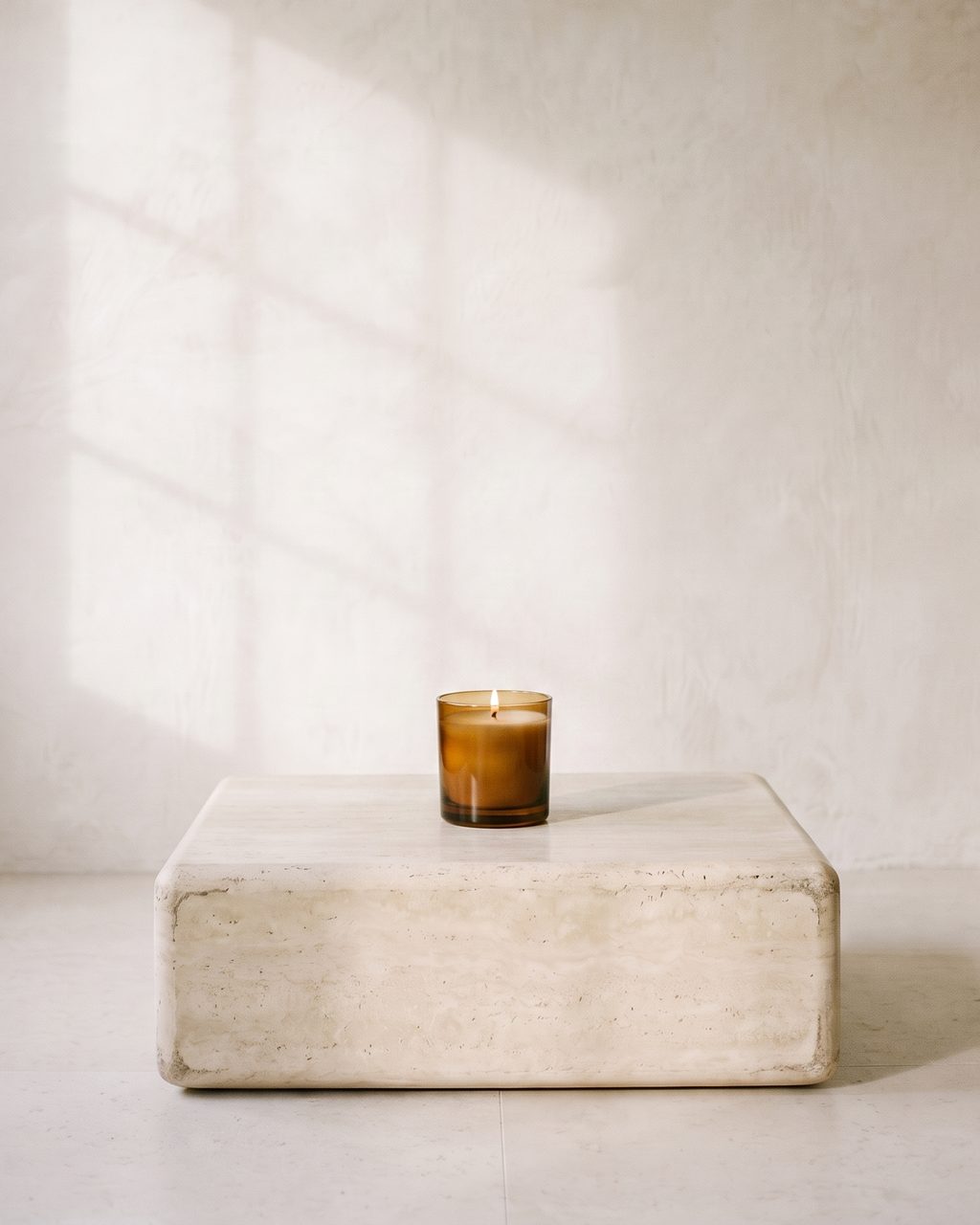
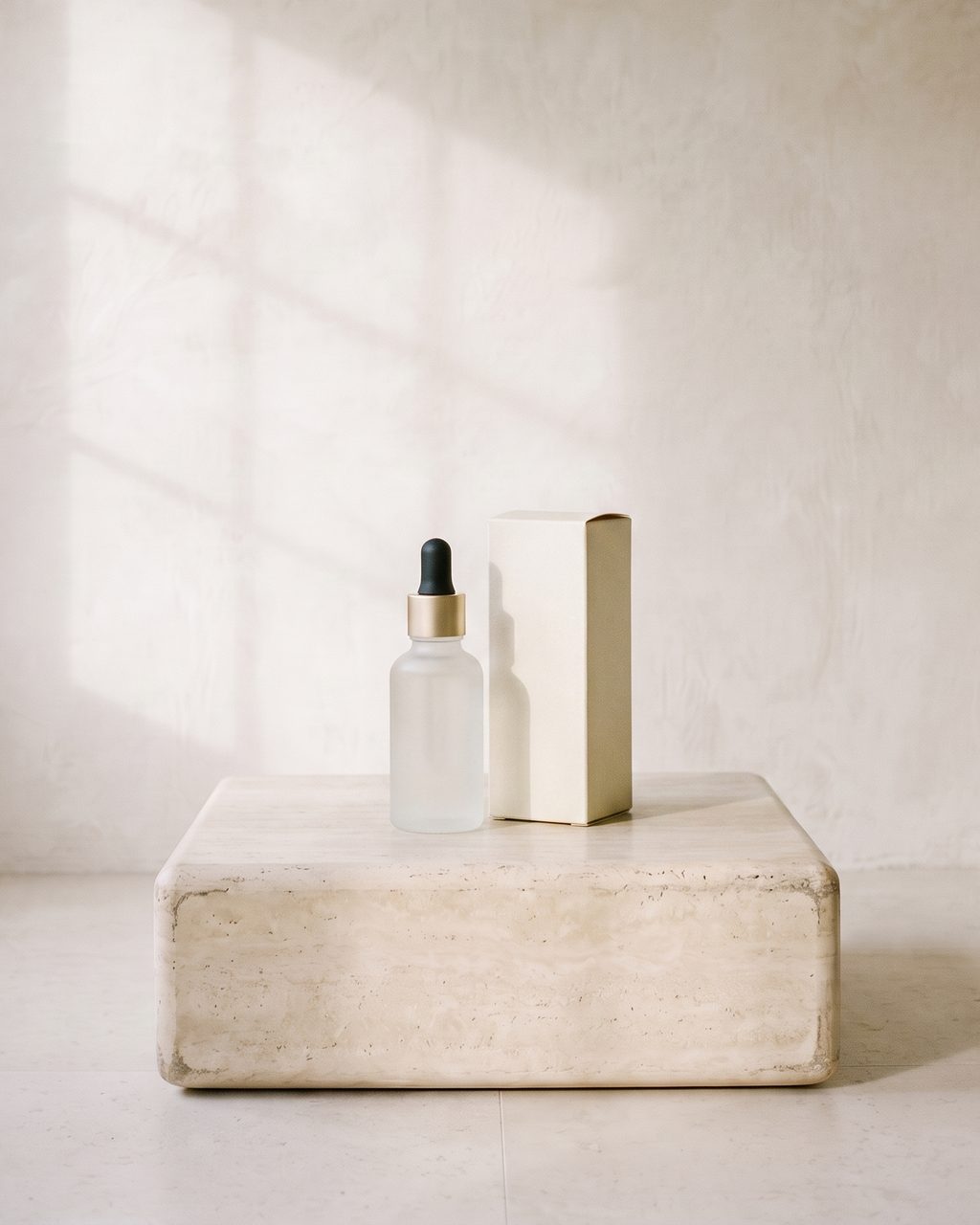

Every product photo you have came from a different day. A different corner, a different lamp, a different pair of hands. Shoppers can’t name what’s wrong with a page like that. They just read it as small, and they leave.
The generators didn’t fix this. They cut your product out and paint a room behind it, so the bottle is still lit by the white box it was shot in while the floor is lit by a lamp. The shadow belongs to nothing. The label has gone soft. That is not a photograph. It is a sticker.
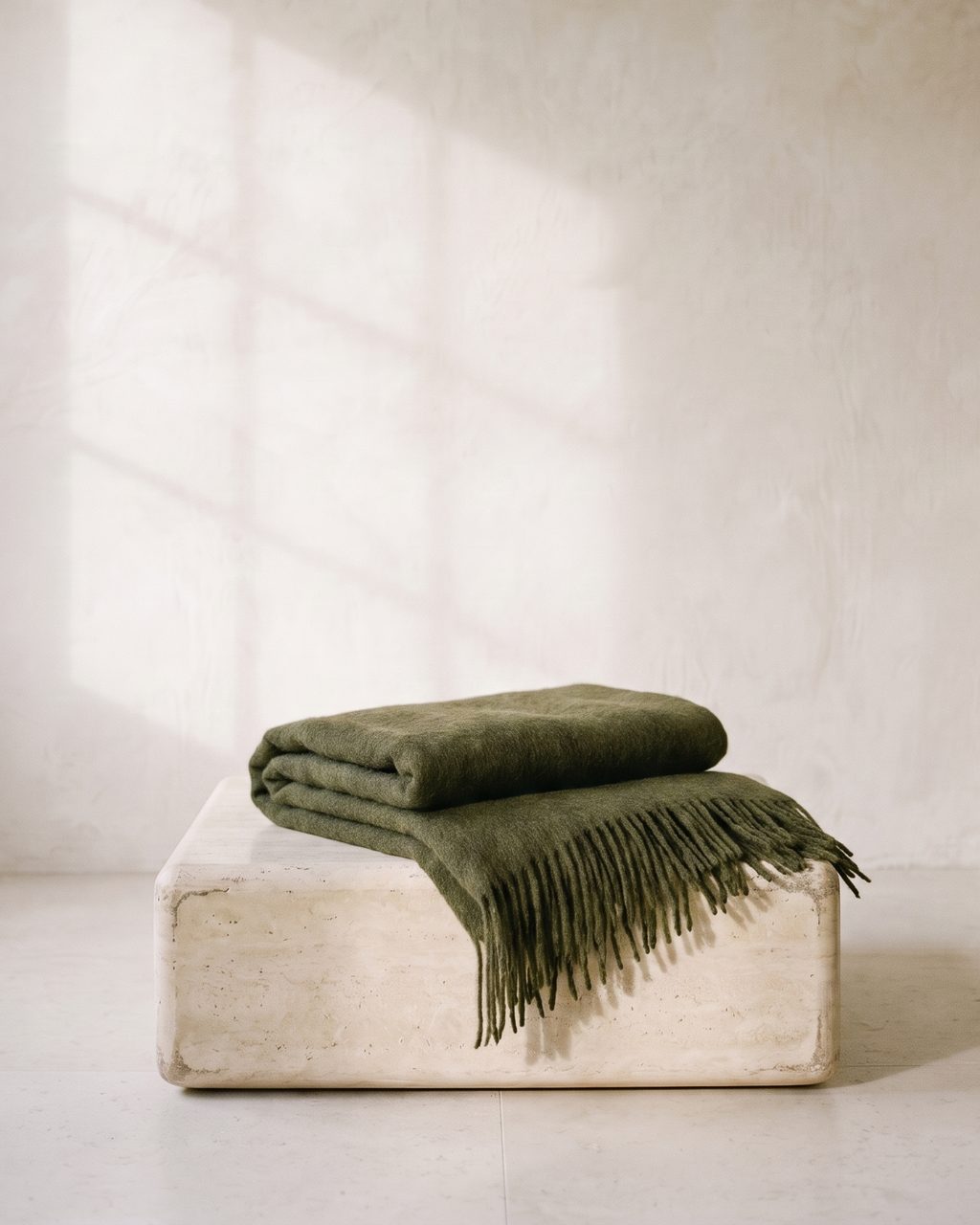
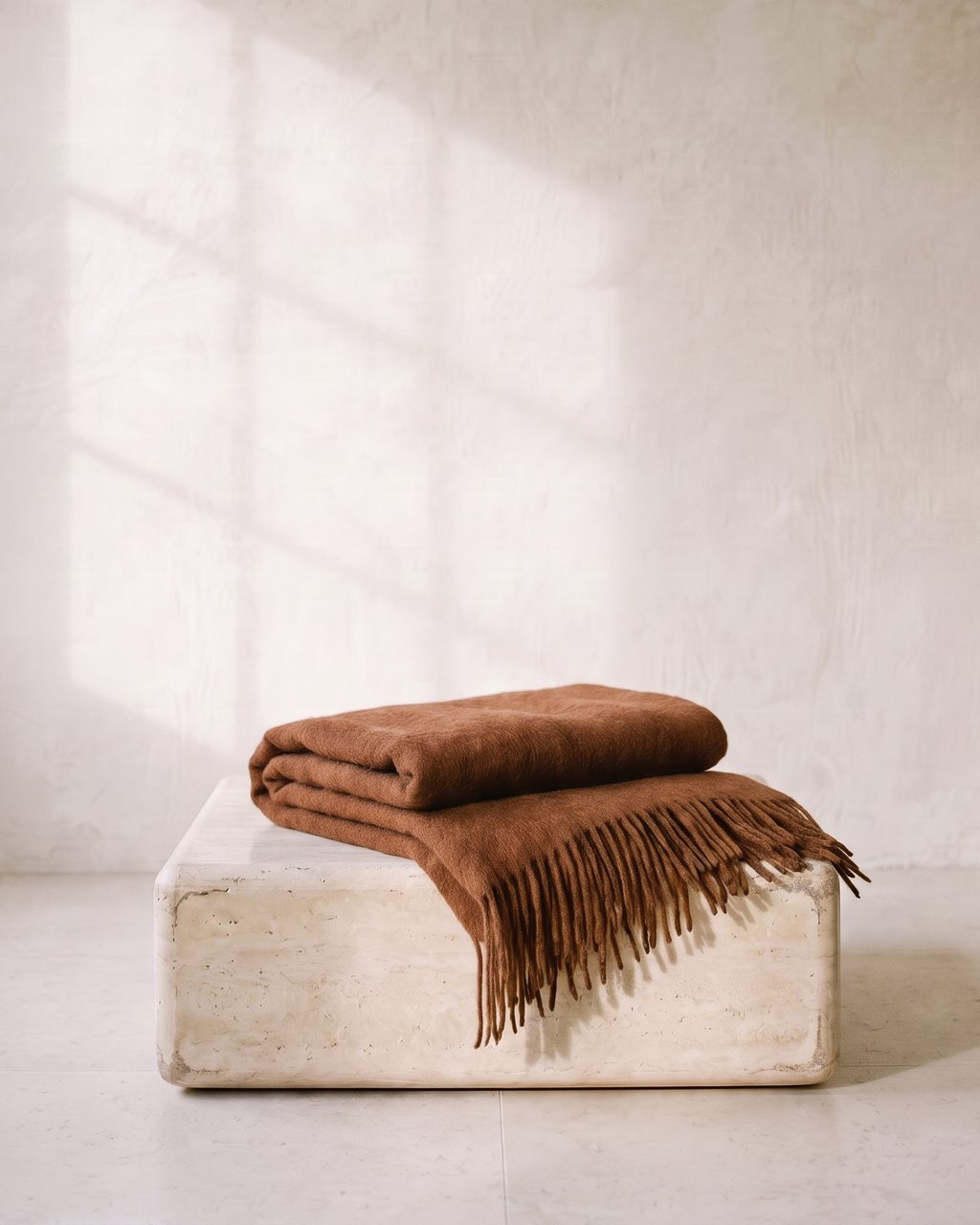
Hand it a product and it reads it first: what it is, what it is made of, what the label says. Then it plans the frames as a sequence - the hero, the detail, the thing in use, the sense of scale - or, for a campaign, as a story: one day with the bag, morning to dinner, the same woman and the same bag in every frame.
When a frame misses, it does not roll the dice again. It looks at the frame, says what to change, and retakes it with that note. You can brief it in a sentence instead, and it follows the brief.
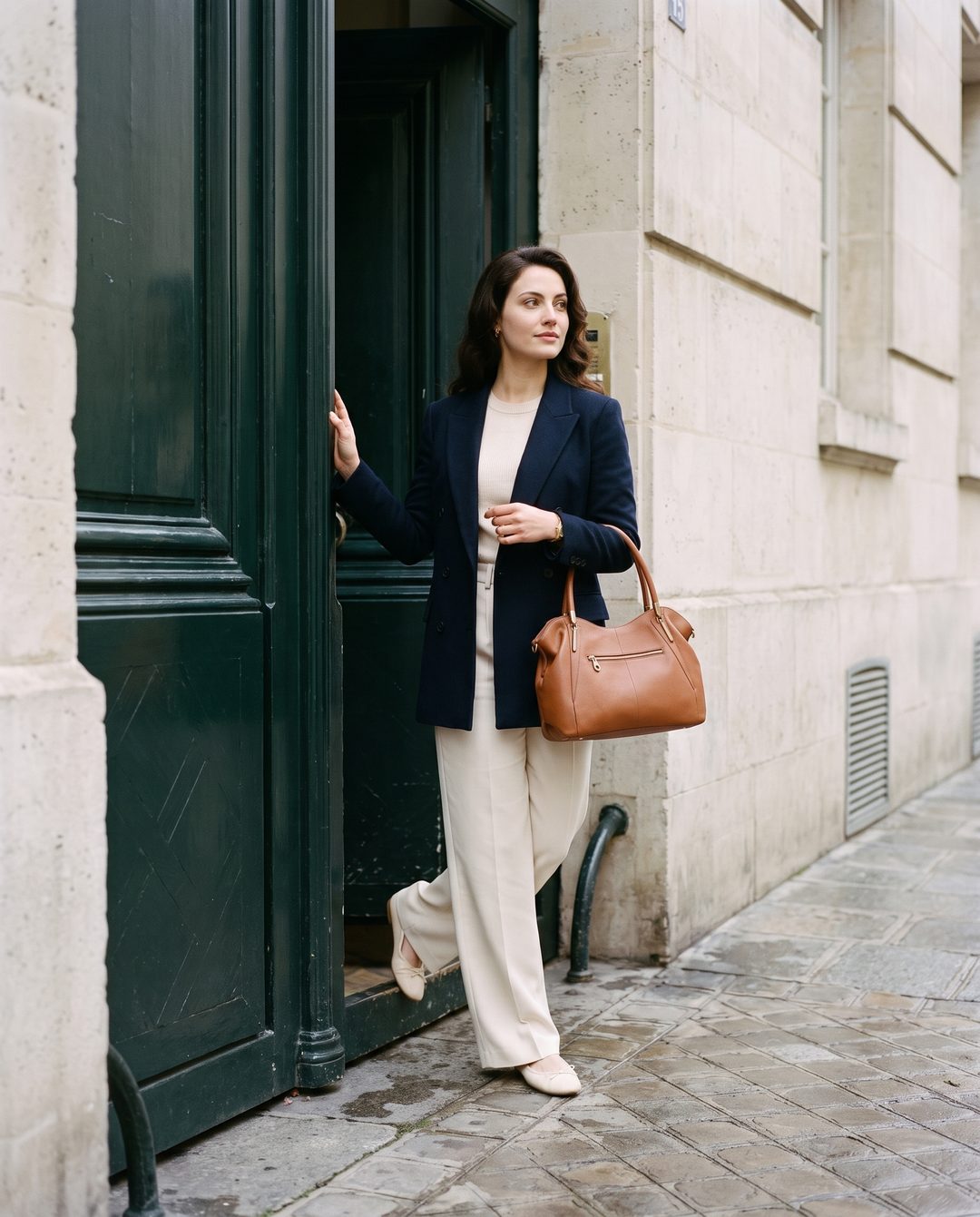


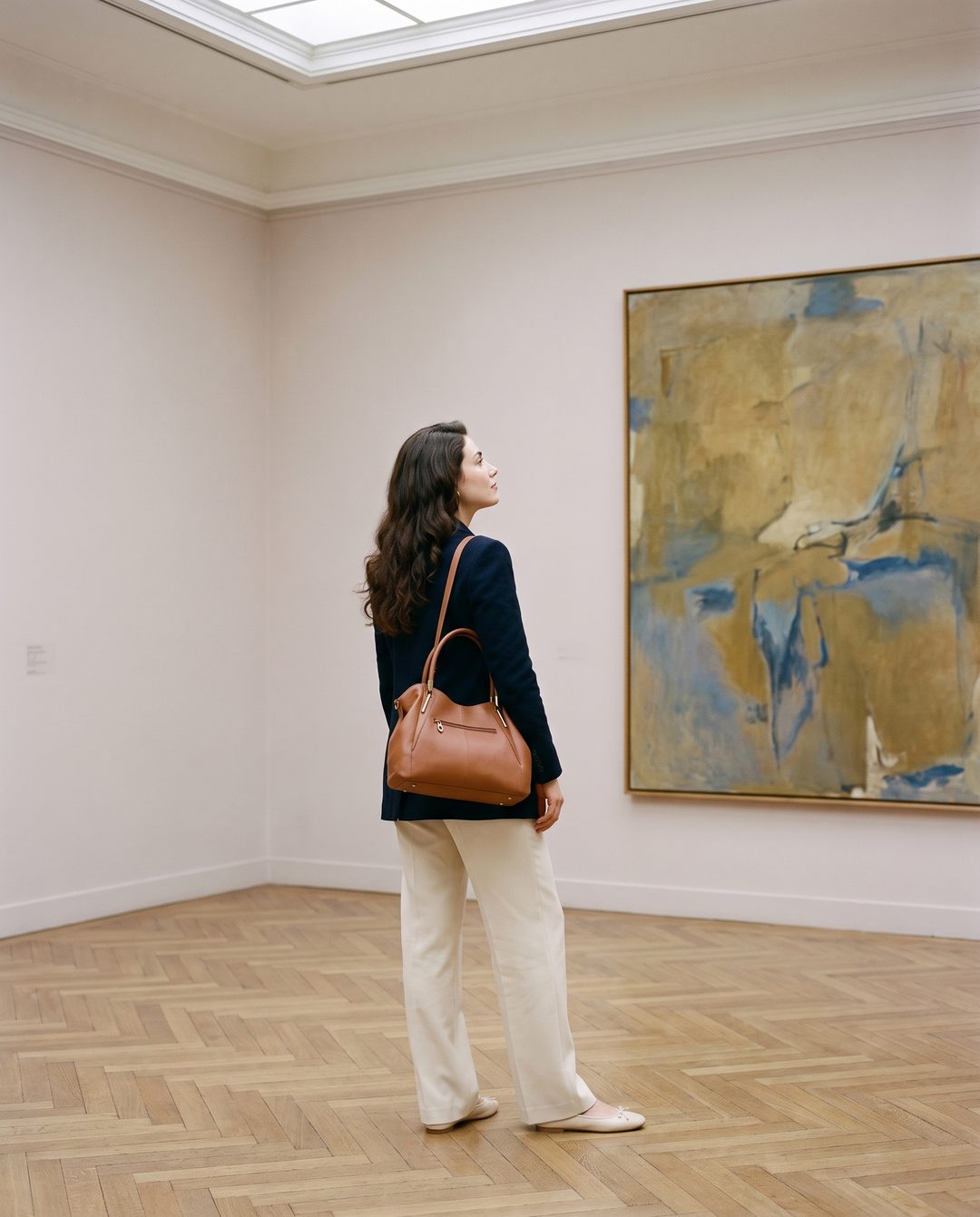


01 / 06 · one day, one bag
“At the market the bag is hidden behind the flowers. Move it to her near arm so the gold zip and both handles read, and keep the awning’s shade soft.”
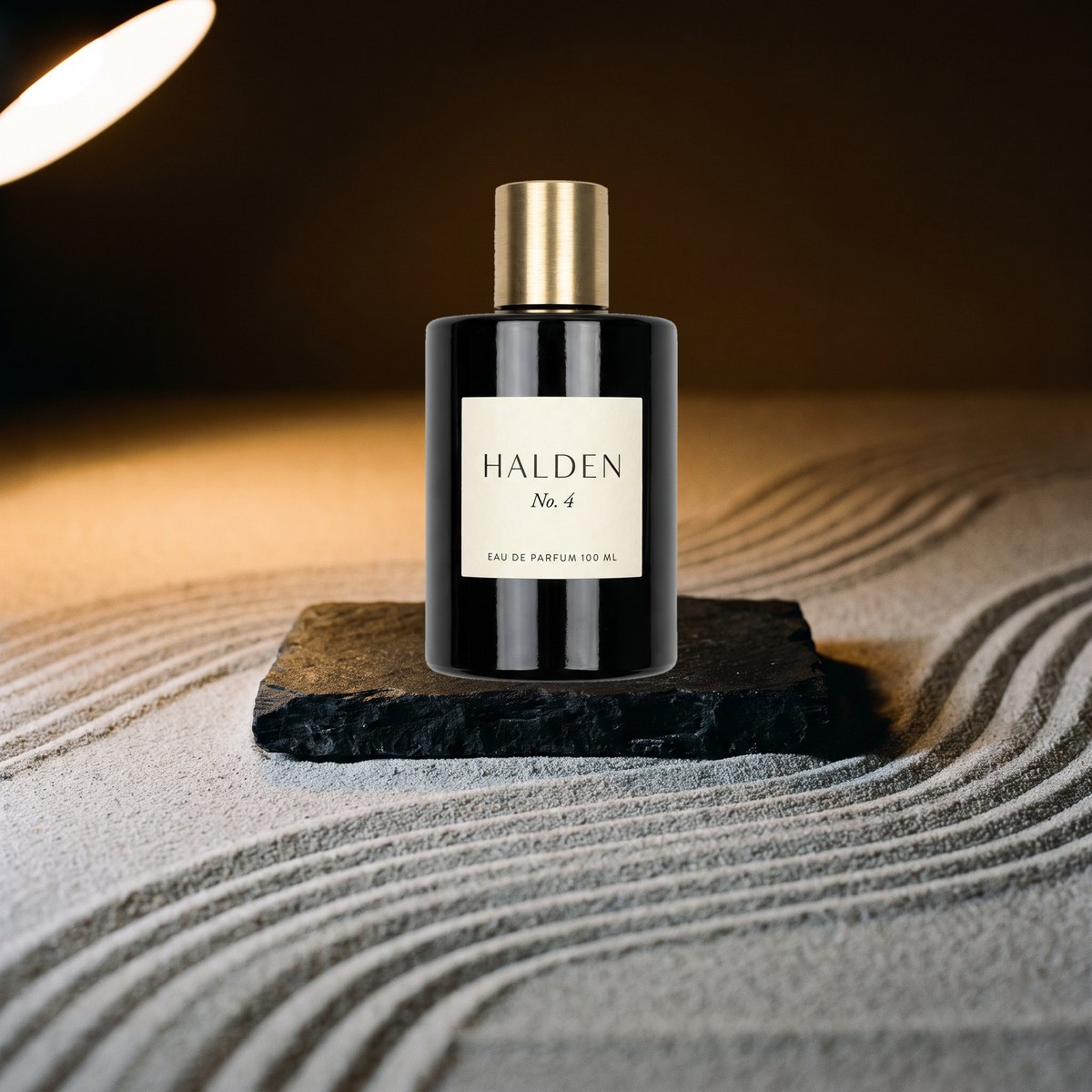
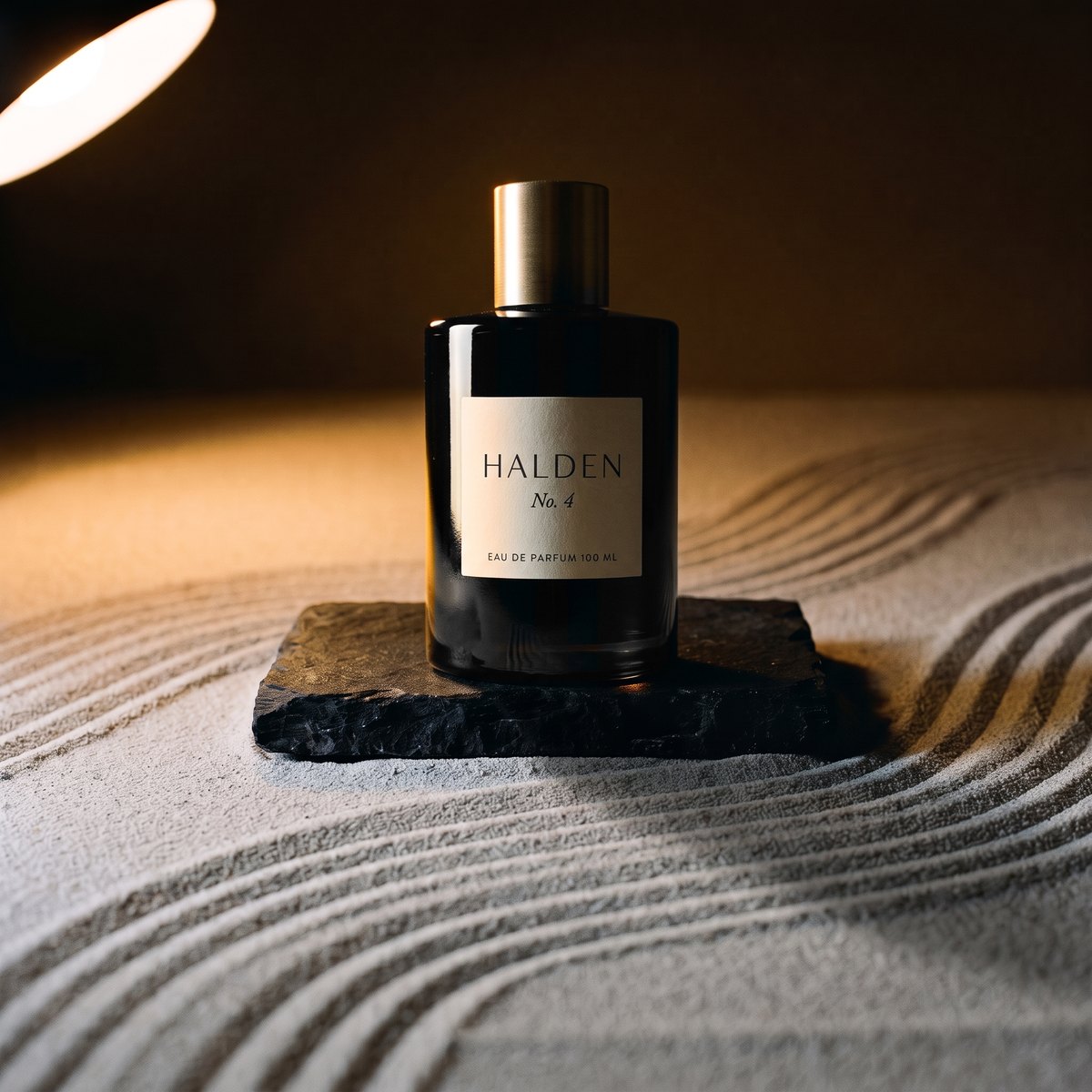
Drag the line. On the left is what a background tool does: the product cut out and set down, keeping the flat light of wherever it came from, over a shadow that belongs to nothing.
On the right is Stillhouse. The product is lit by the room it is standing in. The shadow falls where the lamp says it should. The label, the cap and the seams are put back from your own photograph, to the pixel. And if the studio ever repaints your product instead of relighting it, that frame is refused before you see it.
Choose a look from the wall or build your own. Cast a model if the product wants one. Both are saved, frozen, and yours.
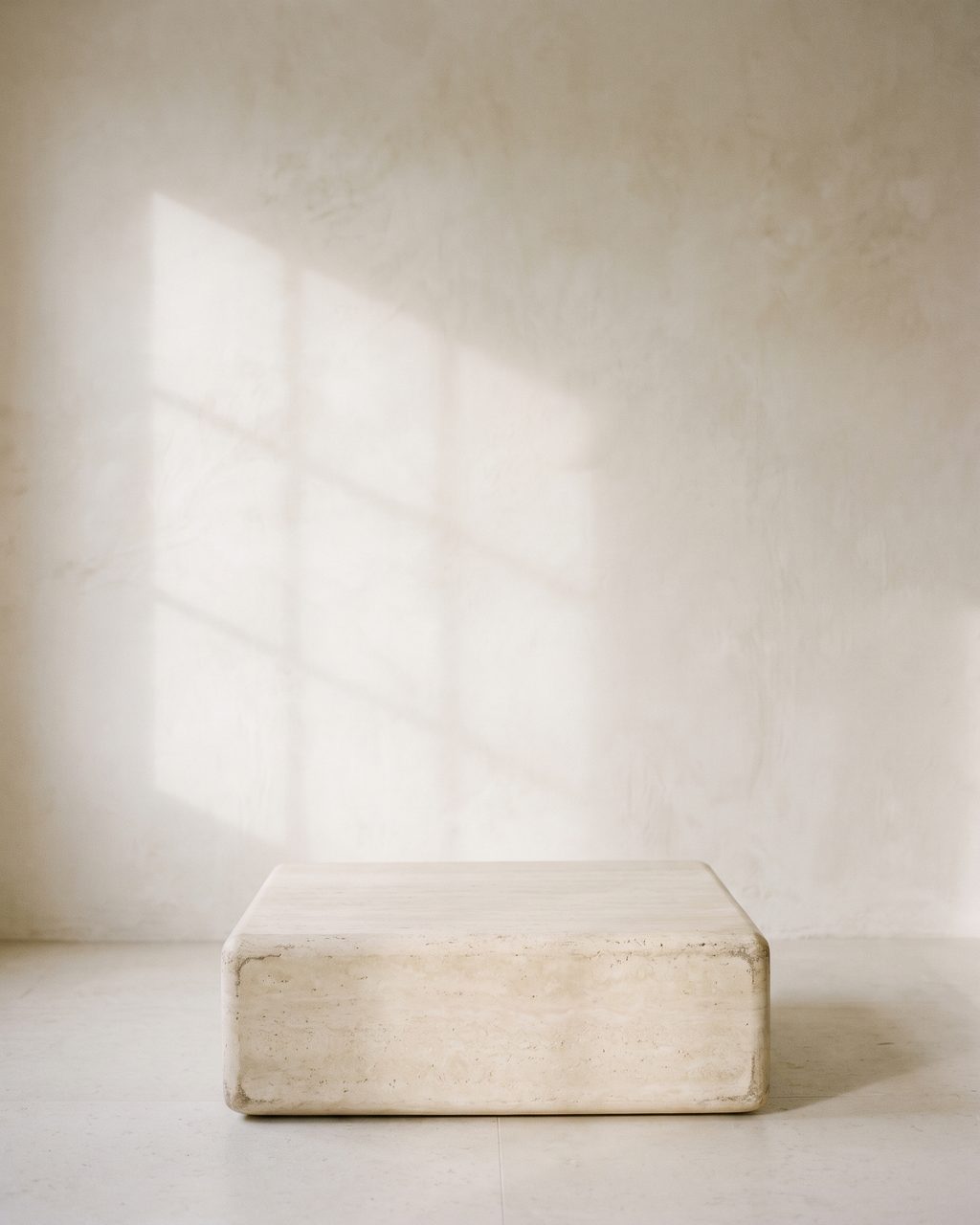
Connect Shopify and the catalog pulls itself in and keeps itself current. Or import a CSV. Or drop photos in. Titles and variants come with them.
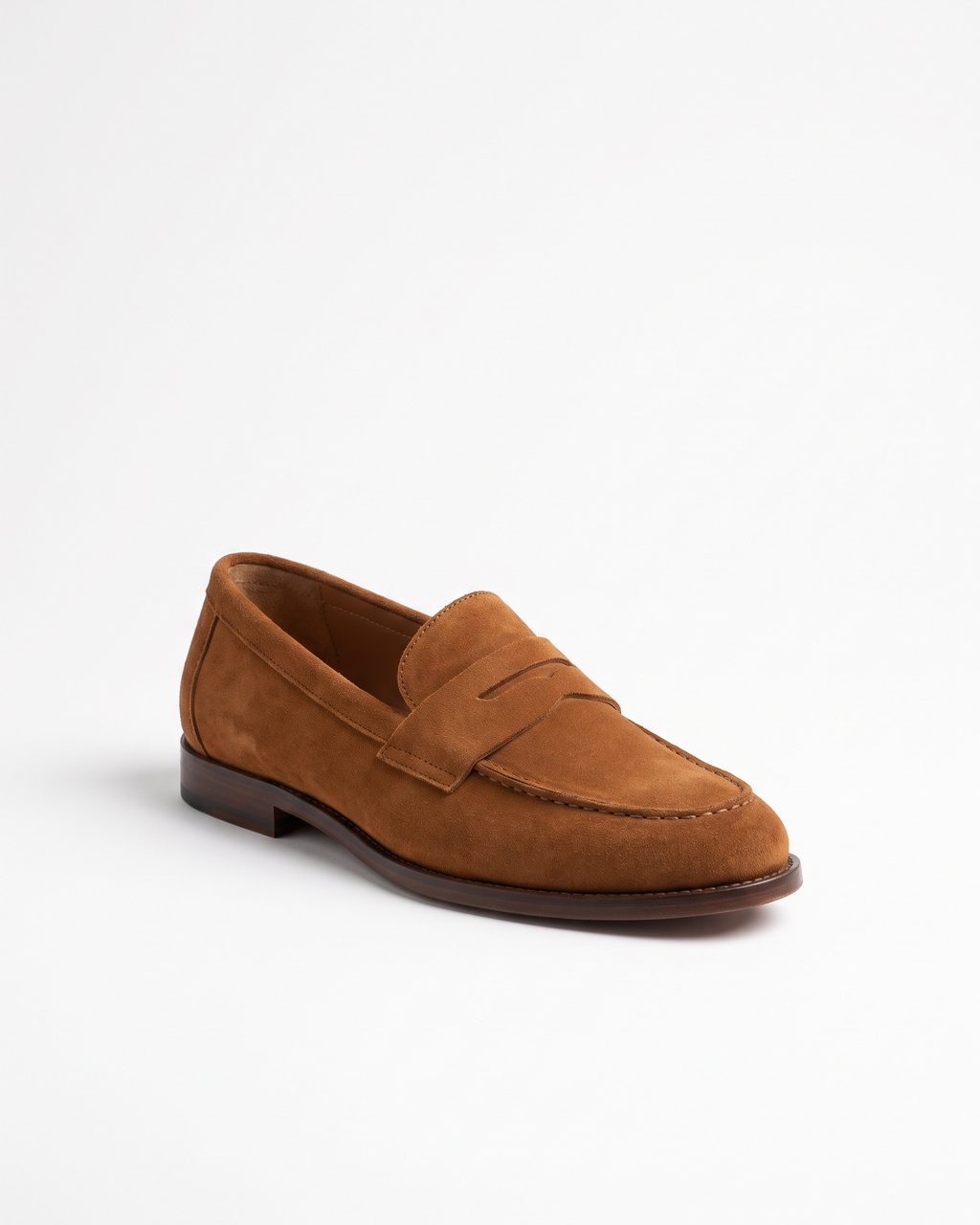
Brief it the way you'd brief a photographer, or let the studio plan the sequence. Every frame is checked. Press A on the one you like and it is on the product page; from there it becomes colourways, a clip, posts and feeds without another shoot.
An approved frame is not the end of the shoot. It is the master everything else is cut from, so the colours, the clip and the listings all keep the room and the product you already said yes to. Nothing here is shot twice.
Approve a frame and it publishes to its product on Shopify or WooCommerce: after the existing images, first, or as the featured one. One more press takes it back.
Reshoot the frame you approved in each colour the product is sold in. Same room, same pose, same light; only the product changes, and each one is checked against its own photo.
A slow push-in, a gentle turn, or the room left to breathe in a loop that never jumps. The clip starts on your approved frame, is read for the product all the way through, and costs nothing if it doesn't hold.
Circle what is wrong and only that changes. Or take the frame wider for a banner or a story. If the mend touches the product, or the new edge comes back soft, it is made again before it reaches you - or arrives flagged with the reason.
Meta and Google ad catalogs carry every approved frame and update themselves. Amazon gets the pure-white main image it insists on, built from your cutout and checked before you upload.
Every frame answers three questions before you see it.
Is it the thing you sell?
Read against your source photo. Wrong label, wrong shape, wrong colour: refused.
Is it the set you froze?
Compared to the room itself, so forty products come back in one place.
Is it the model you cast?
Measured against every frozen angle of her. Runs only when someone is in the frame.
A take that fails is thrown away and made again before you see it, at no cost. One still in doubt arrives flagged, with the reason in plain words.
only the part you circled may change, and the product must survive it
the new border has to hold real detail, not a blur
the product is read through the clip, and it has to be one clean, moving take
Install from the App Store, or connect from Settings. Products sync in. Approved frames and clips publish back, after the existing images, first, or as the featured one. Billed through Shopify if that's where you came from.
Connect the store and its products come in with their prices, pages and stock. Approved frames publish back to the product, and the ad feeds list them.
Download packs cut to Amazon and Etsy rules. Amazon's main image is built on pure white from your product's cutout and checked against the rules before you upload it.
Drop photos in. Build the room now and connect the store later. Nothing you make is tied to a platform.
A credit is one frame delivered to you, flagged frames included. Takes the checks throw away before delivery cost nothing.
$49
120 images a month
120 images a month, five models, ten sets. Bulk publish and every aspect pack. Slower generation: shot after House and Agency.
$149
450 images a month
450 images a month, shot ahead of the queue. Unlimited models and sets, a custom model training a month.
$499
1,800 images a month
1,800 images a month, shot ahead of the queue. Multi-workspace, API access, white-label delivery.
every plan: failed takes free · a regenerate is one credit · a mend, reframe or colourway is one frame · a clip is five credits · full pricing
Stillhouse is an AI product photography studio for online stores. You build a set once, and cast a model once if your products want one. Every product you sell is then photographed in that room, lit by it, with its label exactly as you shipped it, and checked before you see it. Each approved frame then becomes the rest of what a store needs: the Shopify or WooCommerce product page, every colourway, a short product clip, ad catalog images and marketplace listings - all without another shoot.
Most generators make an image and stop there. Stillhouse runs the whole job: it reads each product and plans the shots, relights the product by the scene and restores its label from your photo, checks every frame against your product before you see it and never bills the misses, publishes to Shopify or WooCommerce, and turns each approved frame into colourways, clips, ad feeds and marketplace listings. Your set and your model stay the same from product to product, and new products are photographed as they arrive.
If you want it to. The studio reads the product first - what it is, its finish, its label - and plans the frames in the order a product page is scrolled: the hero, the detail, the product in use, its scale. It photographs the set empty before the product goes in, and when a frame misses it looks at it and retakes it with a note about what to change. You can also brief it in a sentence and it follows the brief.
Yes. Any approved frame can be made to move for a few seconds: a slow push-in, a gentle turn, or ambient motion that loops without a jump. The clip starts on the frame you approved, is checked for the product all the way through and for being one clean take, and is silent so it autoplays on a product page. A clip is five credits. A take that fails the checks is thrown away and made again before it reaches you, at no cost.
Reshoot an approved frame in every colour the product is sold in. The room, the pose and the light stay the same; only the product changes, and each colour is checked against its own photo. You can also mend one part of a frame, or take it wider for a banner or story, without reshooting the rest.
Three. Pick the products, start the shoot, and approve the frames you like. Approving a frame sends it to the product page on your connected Shopify store. You can undo the last publish in one click.
Yes. Shopify and WooCommerce stores connect directly: products sync in, and approved frames and clips publish back to the product. For Amazon and Etsy, download packs are cut to each marketplace's rules, and Amazon's main image is built on pure white from your product's cutout and checked before you upload it. Approved frames also feed Meta and Google ad catalogs automatically. Without a store, upload photos and download finished frames at full size.
Yes, with their consent. You can cast an AI model or build one from photographs of a real person you have the rights to use.
Every frame runs three checks: the product is the product, the model is the model, the set is the set. A take that fails is thrown away and retaken before it reaches you, and you never pay for it. Anything still doubtful is delivered flagged, with the reason in plain words, so you can decide. If you want a delivered frame made again, Regenerate costs one credit.
From any approved frame you can cut square, portrait 4:5, story and reel 9:16, and wide formats.
Sometimes, and we make it easy. Every frame the studio delivers is marked as generated in its file metadata, using the IPTC DigitalSourceType field that Google Merchant Center requires on AI-generated product images, and frames that include a generated model also carry the contains-synthetic-performer keyword. The publish dialog tells you which frames it applies to. Whether a venue asks you to declare it is the venue's rule; the marker means the file already answers.
Plans are monthly credits, and one credit is one delivered frame - a flagged frame included. A 4K frame is two credits and a product clip is five. Every Regenerate you ask for is one credit once its frame comes back. Takes the checks throw away before delivery cost nothing, and so does a frame the image model could not make. There is no free plan or trial.
Still deciding? How Stillhouse compares with Photoroom, Pebblely, Flair and others, or read the Amazon image rules and Shopify image sizes.