How to check an AI product photo before you publish it
Updated · Stillhouse
The short answer
Before publishing an AI product photo, check that the product is still exactly your product (shape, colour, parts), that the label reads as printed, that the product is lit by the scene rather than pasted into it, that its scale is believable, that any person has the right hands and face, that it matches the rest of your catalogue, and that the file says it was made with AI.
Why AI product photos need checking at all
An image model is very good at making a picture that looks right and much less reliable at making one that is right. It will redraw a label with confident nonsense, add a third strap to a bag, or shrink a bottle to fit a composition. Each mistake is small; on a product page, each is a product that does not match what the customer receives. These are the checks Stillhouse runs on every frame, written so you can run them on any image, from any tool.
The eight checks
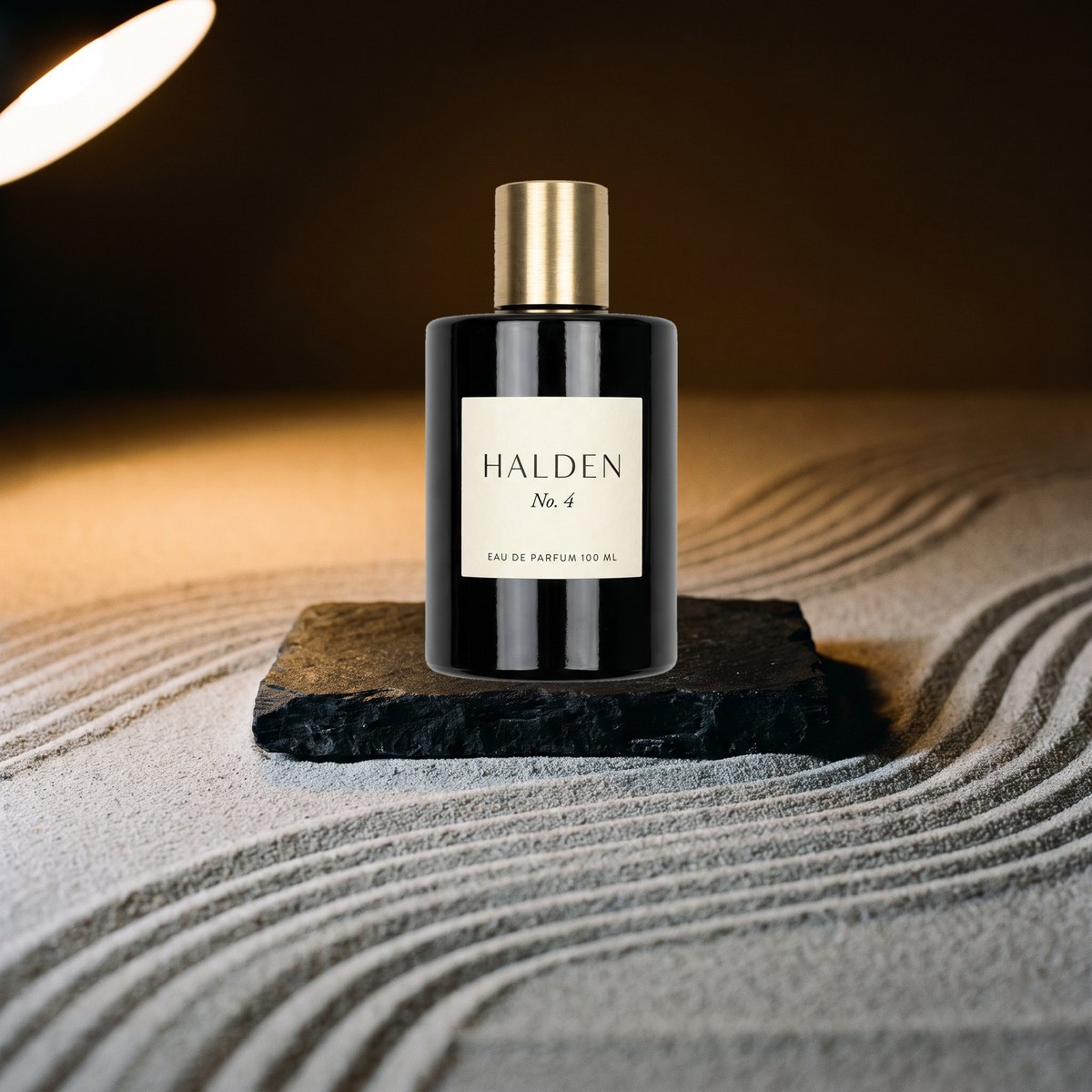
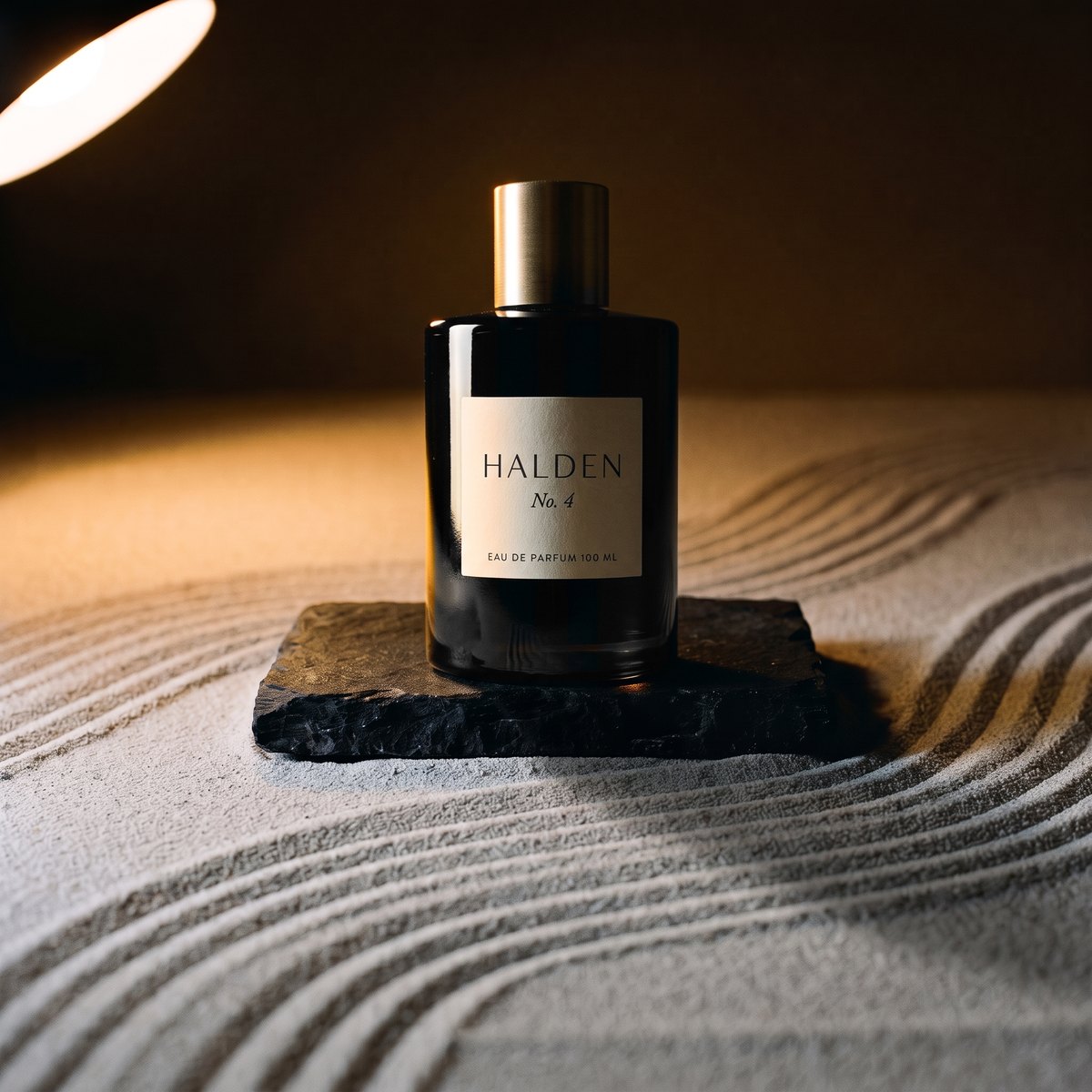
- 01The product is the product. Put the frame beside your product photo. Same silhouette, same colour, same number of parts, same hardware. This is the check that matters most and the one most often skipped.
- 02The label reads as printed. Zoom to 100% on the brand mark, the claims and the small print. Generated text that looks plausible at thumbnail size is often gibberish up close.
- 03The light belongs to the scene. Find the main light in the room - the window, the lamp - and check the product's highlights and shadow agree with it. A product still lit by a white studio, sitting in a sunset, has been pasted.
- 04The scale is believable. Compare the product with something of known size in the frame: a hand, a cup, a door handle. A 30 ml bottle should not stand as tall as a vase.
- 05People are whole. Count fingers, check where hands grip, look at the ears, teeth and jewellery. If you use the same model across products, check it is the same face.
- 06It matches the catalogue. Put the frame in your collection grid. Same set, same light direction, same crop and product size - or the page reads as a market stall.
- 07The file is usable. Right size and ratio for where it is going, sharp at 100%, no artefacts at the edges of the product, and its metadata intact.
- 08The disclosure is in the file. Generated images should carry the IPTC DigitalSourceType marker, which Google Merchant Center requires on AI-generated product images. See how to label AI-generated product images.
How Stillhouse runs these checks
Every frame the studio delivers is checked three ways before you see it: the product against your product photo, the set against the approved set, and the model against the approved face. A take that fails is thrown away, given a note about what to change, and retaken - you never see it and never pay for it. A frame still in doubt is delivered flagged, with the reason in plain words, so you can decide. A credit is one delivered frame.
Questions
What is the most common mistake in AI product photos?
The product quietly changing: a redrawn label, a different colour, an extra or missing part. It is easy to miss because the picture still looks good; it is only wrong when compared with the real product.
Can I trust an AI product photo tool to check its own images?
Only if it compares each image with your actual product photo and tells you what it checked. Ask what happens to the images that fail: a tool that bills for every generation, misses included, has little reason to catch them.