How to make product photos consistent across a whole catalogue
Updated · Stillhouse
The short answer
Consistent product photography means every product in a catalogue is shown with the same background or set, the same light direction, the same crop and product size, the same angles in the same order, and - if you use one - the same model. It makes a collection page read as one brand, and it is the thing most AI photo tools are worst at, because each image is a new generation.
Why consistency sells
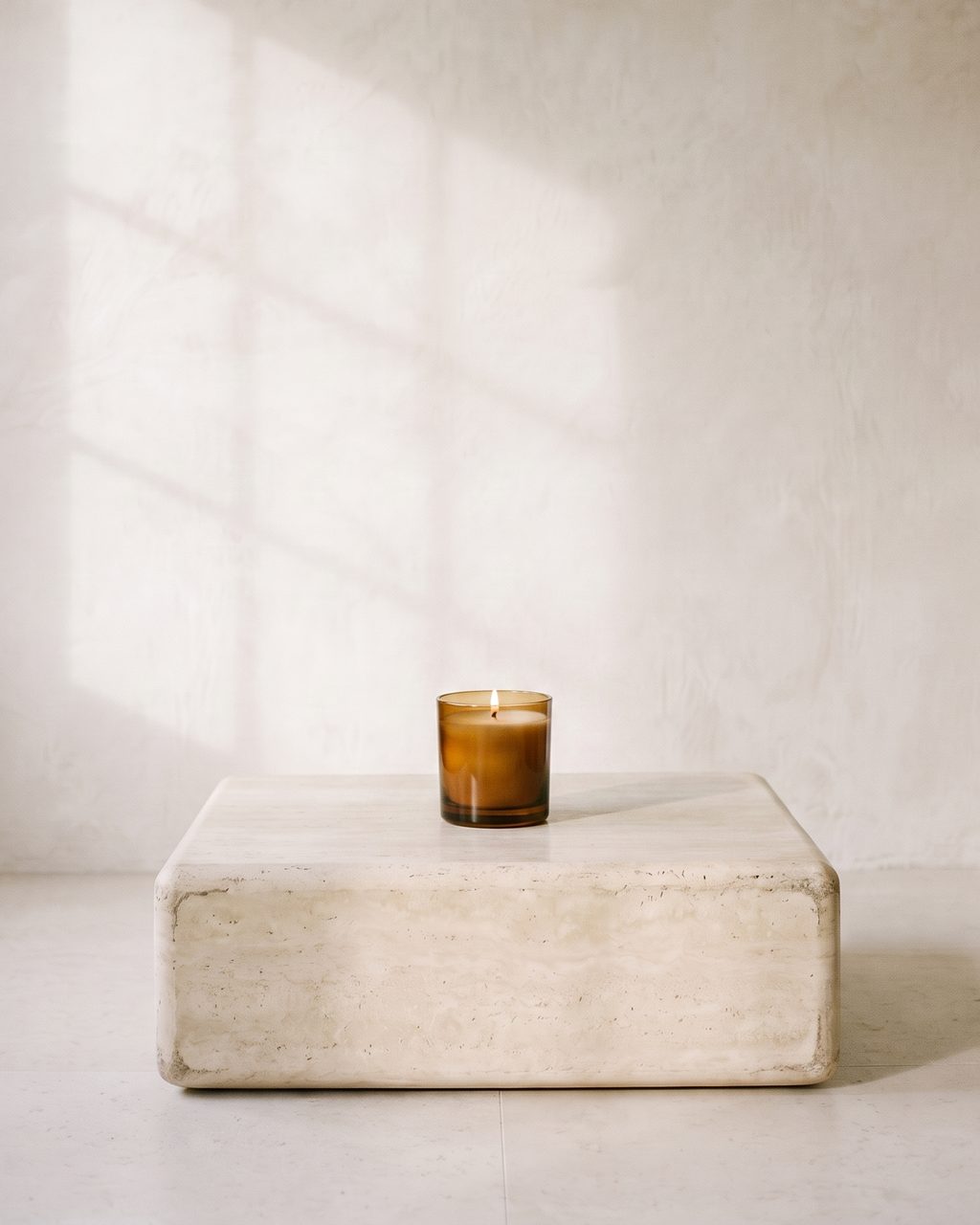
A shopper meets your products as a grid. When every tile has a different background, light and crop, the grid reads as a marketplace of unrelated sellers; when they match, it reads as a brand with a point of view. Consistency also lets a customer compare products fairly - size, colour and finish - because nothing else in the frame is changing.
The six things to keep the same
- 01The set. One background or room, or a small fixed family of them. Write it down: surfaces, colours, props.
- 02The light. The same direction, softness and warmth on every product. Light is the first thing that gives away a mismatched catalogue.
- 03The crop and product size. The product fills the same share of the frame, at the same height, in the same aspect ratio. See Shopify product image size for the ratios.
- 04The shot list. The same angles in the same order on every product page: hero, detail, in use, scale.
- 05The model. If people appear, the same person across the range - not a new face per product.
- 06The edit. One colour grade and one retouching standard, applied the same way every time.
With a camera, and with AI
With a camera, consistency comes from a written style guide, a fixed lighting setup that is marked on the floor, and shooting the whole range in as few sessions as possible. The cost is that every new product means setting it all up again.
With AI, the risk is the opposite: setup is free, but most tools invent a new room, light and person on every generation. Look for a tool that lets you fix the set and the model and reuse them, and that checks each image against your product and against the set before you publish.
How Stillhouse keeps a catalogue consistent
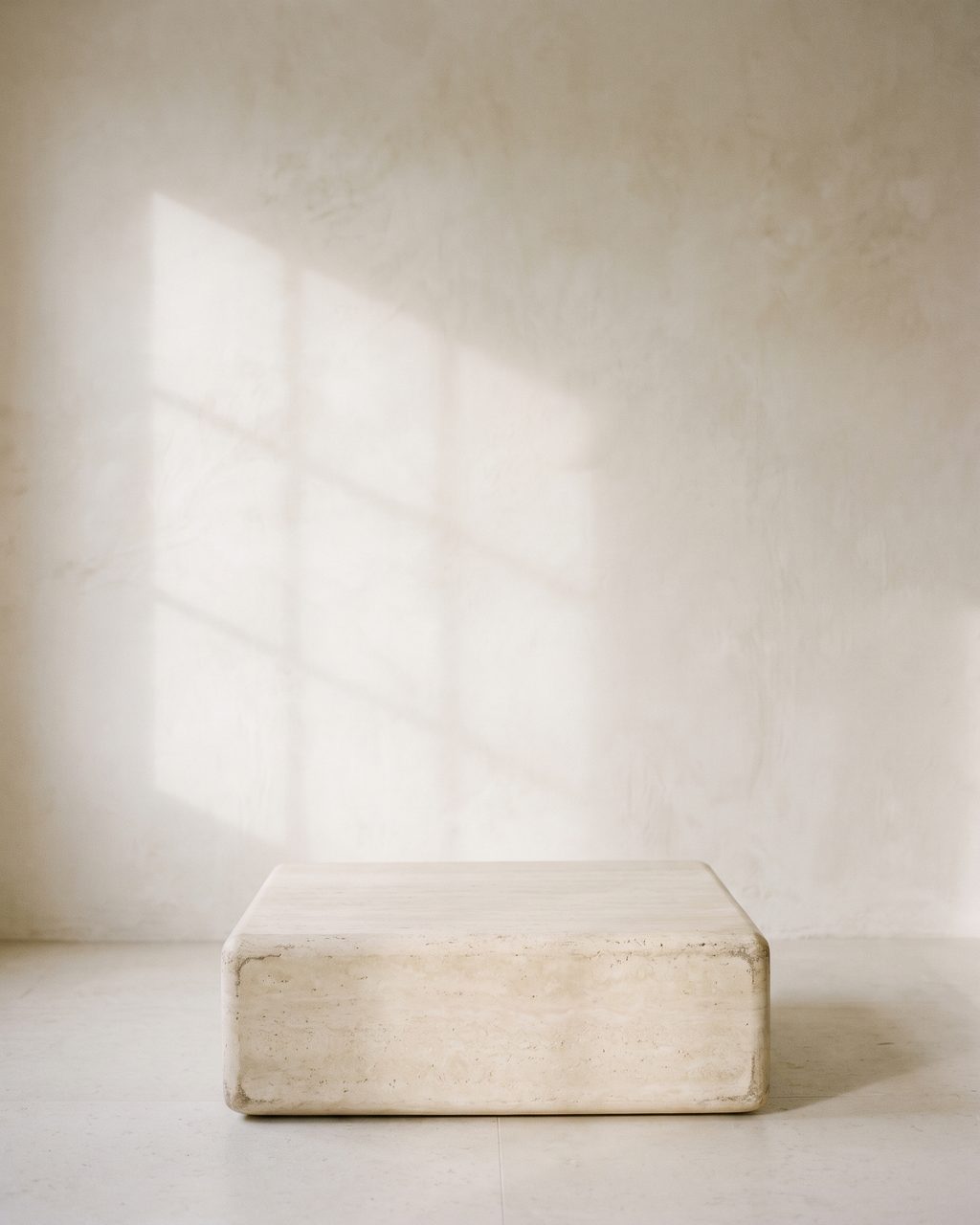
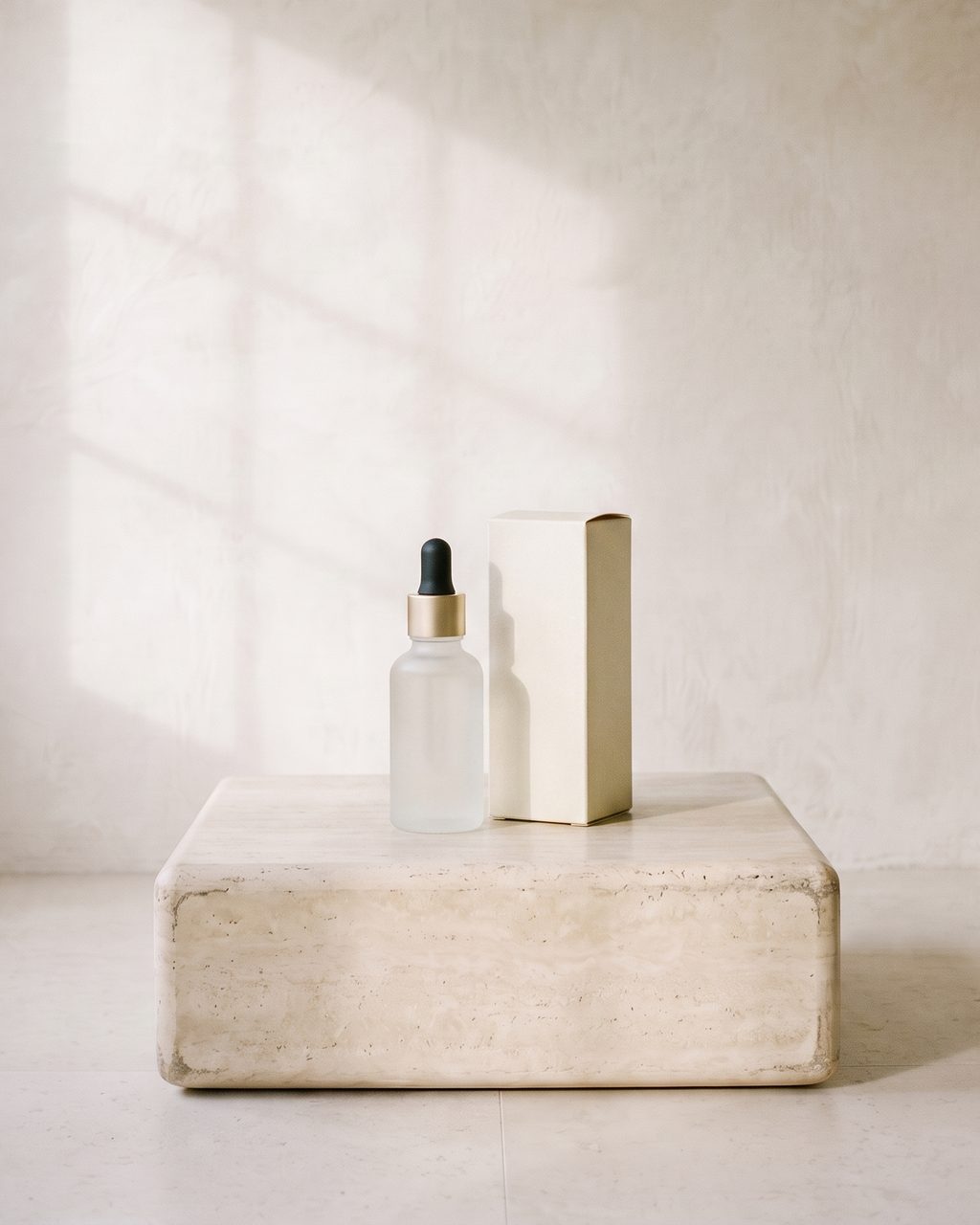
Stillhouse is built around this. You build a set once - it is photographed empty so you approve the room first - and cast a model once; both are frozen. Every product is then photographed in that set, planned in the same shot order, and checked against the approved set and face as well as your product photo before you see it. A frame that drifted is retaken before delivery, so the fortieth product matches the first.
Questions
Why do my AI product photos all look different?
Because most AI tools generate each image from scratch, so the room, light and person change every time. Use a tool that fixes the set and model and reuses them, or generate everything from the same reference scene.
Should every product use the same background?
Within a collection, yes, or a small fixed set of backgrounds used to a rule (for example one per category). Variety belongs in campaign images, not in the product grid.