AI model photography for ecommerce: on-model photos without a photoshoot, and what to check
Updated · Stillhouse
The short answer
AI model photography puts your product on a generated person - or on a real person built from photographs, with their consent - instead of booking a model and a studio. It is fastest for apparel, jewellery and bags, where a body shows fit and scale. The two things to check are that the product is still exactly your product, and that your catalogue shows the same person rather than a new stranger on every page.
Why on-model photos matter
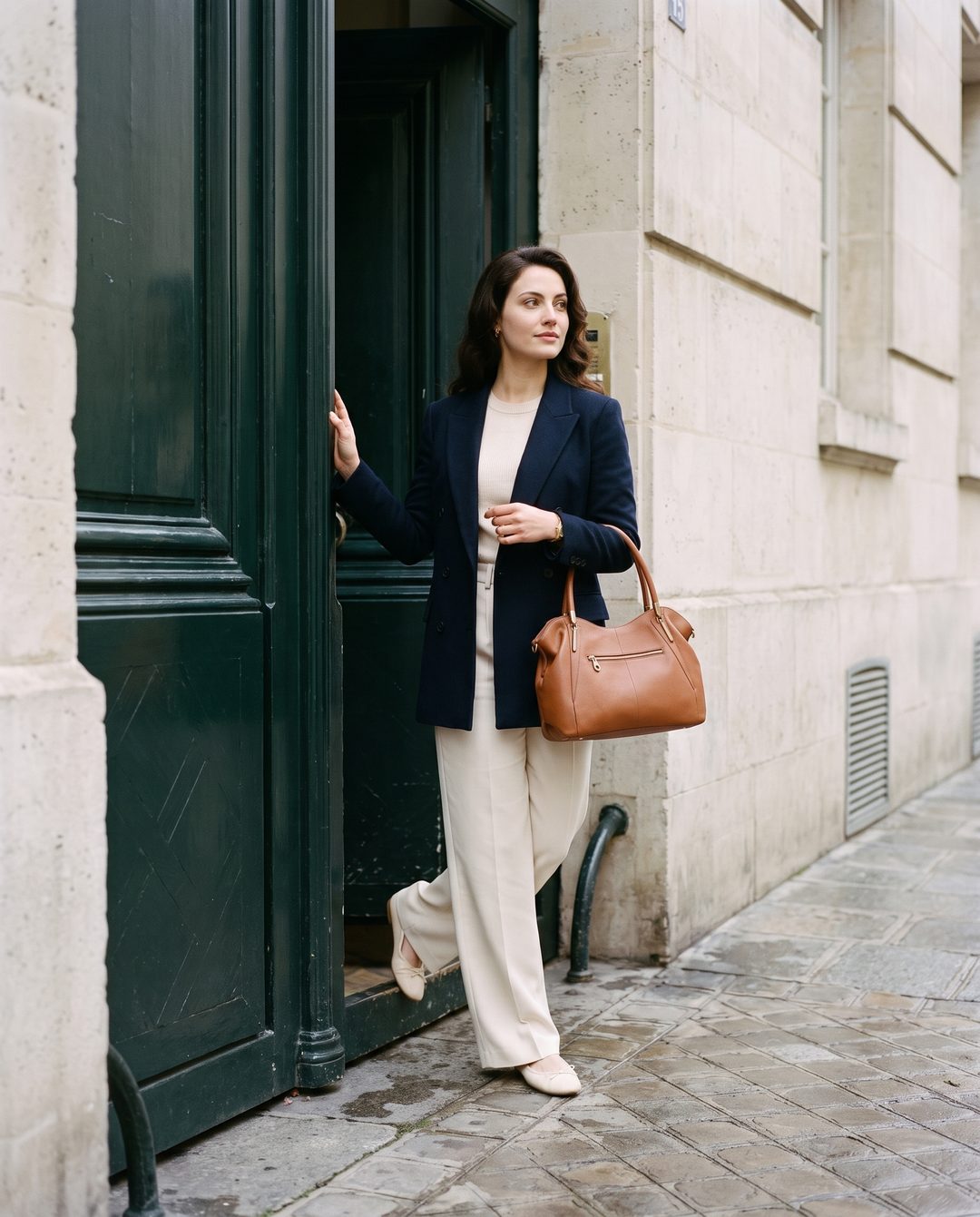
A product on a person answers questions a packshot cannot: how long the hoodie is, where the pendant sits, whether the bag is a clutch or a tote. That is why apparel and accessory brands pay for model days - and why a range photographed only on white tends to sell on price rather than on how it looks worn.
The three ways tools do it
| Approach | How it works | Good at | Watch for |
|---|---|---|---|
| Mannequin or flat lay to model | Replaces a mannequin or flat lay with a generated body wearing the garment | Fast apparel catalogues | Fit and drape invented by the model; a new face each time unless the tool keeps one |
| Generated scene with a person | Generates a whole picture of a person using the product from a prompt and your photo | Lifestyle and campaign images | The product redrawn rather than kept; hands and small parts |
| A cast, reusable model | You cast a person once and the tool keeps that face for every product | A catalogue that reads as one campaign | Needs a per-frame check that the face and the product both still match |
Before you publish an on-model frame
- 01Compare the product with your photo. Print, logo, hardware, stone count, number of parts. A product that drifted is a returns problem, not a style choice.
- 02Check the hands. Fingers, grip, and how a ring or strap sits are where image models slip most.
- 03Check the fit claim. If you sell on silhouette, make sure the generated body is not showing a fit the garment does not have.
- 04Check it is the same person. Put the frame beside the rest of the collection. A different face on every product undoes the reason for using a model.
- 05Keep the disclosure in the file. Images with a generated person should say so in their metadata. See how to label AI-generated product images.
How Stillhouse does it
Stillhouse casts the model once - an AI model, or a real person built from photographs you have the rights to use - and freezes them along with the set. Every frame is checked against the approved face and against your product photo; a take where either drifted is thrown away and retaken before you see it. See before-and-after examples of raw product photos and what they became.
Questions
Are AI fashion models allowed on product pages?
Generally yes, but marketplaces and countries set their own rules on generated people, and some ask for disclosure. Keep the AI marker in the file's metadata and check each venue's current policy.
Can I use a real person instead of a generated one?
With their consent, yes. Several tools, Stillhouse included, can build a model from photographs of a real person you have the rights to use.
Is AI model photography good enough for clothing?
For most tees, hoodies and accessories, yes. Fit and drape are the hardest thing for any image model, so check close-fitting and technical garments carefully before you publish.